
Comparison
Spellar vs Granola: a fair comparison
Spellar and Granola both write your meeting notes without sending a bot into the call. They differ in where you can record, what happens to the audio and how much say you have over the AI. If you are looking for a Granola AI alternative, this page puts the two side by side, including the cases where Granola is the better pick.
Last checked on against Granola’s own website and help centre; each statement about Granola links to its source. Products change, so if something here is out of date, tell us and we will correct it.
The short version
- Neither product puts a bot in your meeting. Both record from your own device.
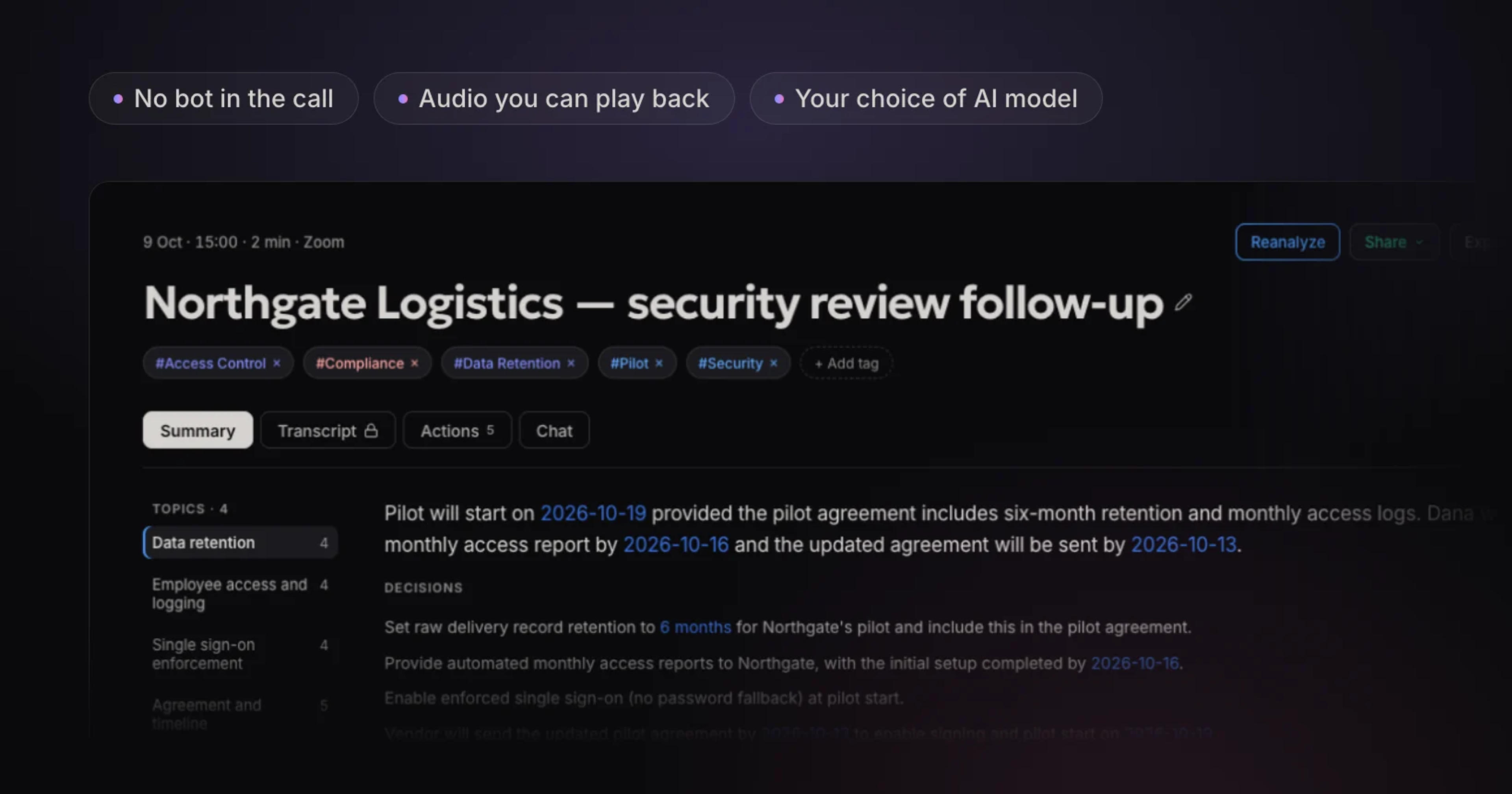
- Spellar records browser calls with a Chrome extension, any call on a Mac with its Mac app, and meetings in person on iPhone and iPad. It keeps the audio for as long as you choose and lets you pick the AI model.
- Granola has desktop apps for Mac and Windows and mobile apps for iPhone and Android, has a free plan, and never saves the audio. [1][2][4]
Spellar and Granola side by side
| Feature | Spellar | Granola |
|---|---|---|
| A bot in the call | None. Spellar records on your own device. | None. Granola uses your computer’s audio. [1] |
| Recording a video call | Mac app (any call on your Mac) and a Chrome extension that records the call’s tab on Mac, Windows or any computer with Chrome. | Desktop apps for macOS and Windows. Its web app shows and edits existing notes and can’t capture a meeting. [1][4] |
| Phones and tablets | iPhone and iPad app for meetings in person. No Android app. | iPhone and Android apps for meetings in person and phone calls, plus Apple Watch. The mobile apps can’t capture audio from meeting apps. [1][2][4] |
| Windows | No desktop app. Record in Chrome with the extension. | Desktop app. [1] |
| Audio after the meeting | Kept for 30 days by default so you can play it back or download it. You can shorten that, extend it to 90 days on Pro, or keep audio only on your Mac. | Not saved. Granola keeps the transcript and your notes, so there is no audio to play back. [4][3] |
| Where transcription runs | On your device by default in the Mac and iPhone apps. Recordings made in Chrome are transcribed on Spellar’s servers. | In the cloud: audio goes to Granola’s transcription provider in real time. [4][3] |
| AI models | GPT and Claude are included and you can switch per meeting, template or question. Gemini, Perplexity and OpenRouter work with your own API key. | A model picker in Granola Chat on Business and Enterprise. On Basic, Granola chooses the model. [5] |
| Integrations | Notion, Google Docs, Google Tasks, Linear, Todoist, ClickUp and Slack. Jira, Asana, Confluence, Miro and webhooks on Pro. | Slack, Notion (paid plans), Attio, HubSpot, Pipedrive, Affinity and Zapier. An API on Business and Enterprise. [6] |
| Claude, ChatGPT and Cursor (MCP) | Yes, on a paid plan. During the free trial it works for your recent meetings. | Yes, on all plans. The free plan covers the last 30 days of your own notes. [7][6] |
| Free plan | No ongoing free plan. New accounts get 300 free minutes, no card needed. | Basic, at $0, with 30 days of meeting history. [2] |
| Paid plan | Spellar Pro: $20 a month, or $180 a year, on spellar.ai. | Business: $14 per user per month. Enterprise: $35 per user per month. [2] |
Granola’s plans and features as published on 26 November 2026. Spellar prices are the ones on spellar.ai; App Store prices vary by country.
When to pick Granola instead
- You work on Windows and want a native desktop app. Granola has one; Spellar on Windows is a Chrome extension. [1]
- You use an Android phone. Granola has an Android app; Spellar does not. [1]
- You want a free plan you can stay on. Granola’s Basic plan costs nothing and keeps 30 days of meeting history. Spellar has a free trial, then a subscription. [2]
- You never want the audio stored. Granola doesn’t save it at all. Spellar keeps audio for a period you set, and only the Mac app can keep it off the cloud entirely. [4][3]
- Your notes need to land in a CRM. Granola lists Attio, HubSpot, Pipedrive and Affinity; Spellar has no built-in CRM integration. [6]
- Price per person matters most. Granola Business is listed at $14 per user per month, below Spellar Pro. [2]
When to pick Spellar
- You join calls in the browser and don’t want to install a desktop app. The Chrome extension records Google Meet, Zoom, Teams and Webex from the tab, on Windows as well as Mac.
- You want to listen back. Spellar keeps the audio next to the transcript for as long as you choose, so you can check what was actually said.
- You want transcription on your own device. In the Mac and iPhone apps that is the default, and the Mac app can keep the audio local too.
- You care which model writes your notes. GPT and Claude are included, and you can bring your own key for others.
- Your action items belong in a task tracker. Spellar sends them to Linear, Jira, Todoist, ClickUp, Asana or Google Tasks.
Sources
Everything this page says about Granola comes from these pages, read on 26 November 2026.
- Granola home page
- Granola pricing
- Granola security
- Granola help: How transcription works
- Granola help: Model selection in Granola Chat
- Granola help: Integrations with Granola
- Granola MCP
Granola is a trademark of its owner. Spellar is not affiliated with Granola.