
Supporting multiple languages
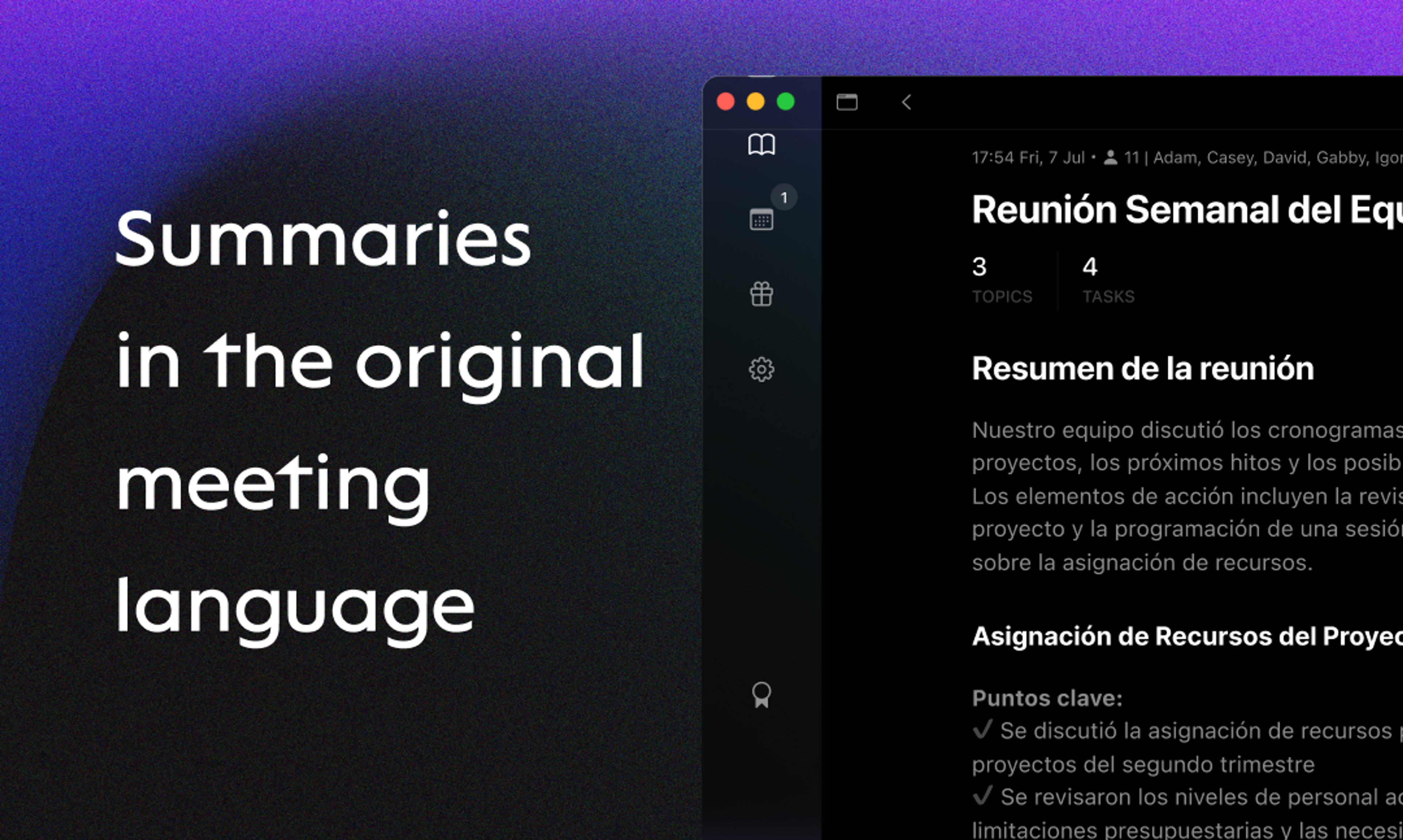
Discover new features in Spellar: turn off auto-translation for multilingual support, sync meetings with Google Docs, enjoy refined recording details with new export options, and stay tuned for our upcoming integration of Copilot chat into the recording screen.
🇬🇧🙅♂️ Auto-translate to English
Many of you requested multi-language support to preserve the original language in meeting summaries and transcripts. You can now turn off the translation feature in Settings → Recording
If you don't see this preference in settings, please relaunch the app 😉
🔗 Google Integrations
You can now sync meetings with Google Docs There is still work in progress with exporting audio to Google Drive and tasks to Google Tasks. Do you use these platforms BTW?
💅 Recording Detail Updates
We've added new export options and refined the design slightly. Now you can copy content with or without Markdown formatting. All the integrations are also at your fingertips. Additionally, we've introduced tabs that we believe enhance the clarity and ease of navigation.
👀 Something Really Big is Coming
Some of you asked, how can I get access to messages history from Copilot? We're currently working on integrating the Copilot chat into the recording screen. This feature will allow you to ask the AI anything about your meetings and quickly find the information you need. Stay tuned for more updates!
We also made Mute feature, but it will be available once most of our users are upgraded to 'v1.3.14' so please, be sure your Spellar is up to date.
Try the latest version of Spellar
Bot-free meeting notes powered by the best AI models. Download Spellar and experience every update firsthand.