
← Back to Updates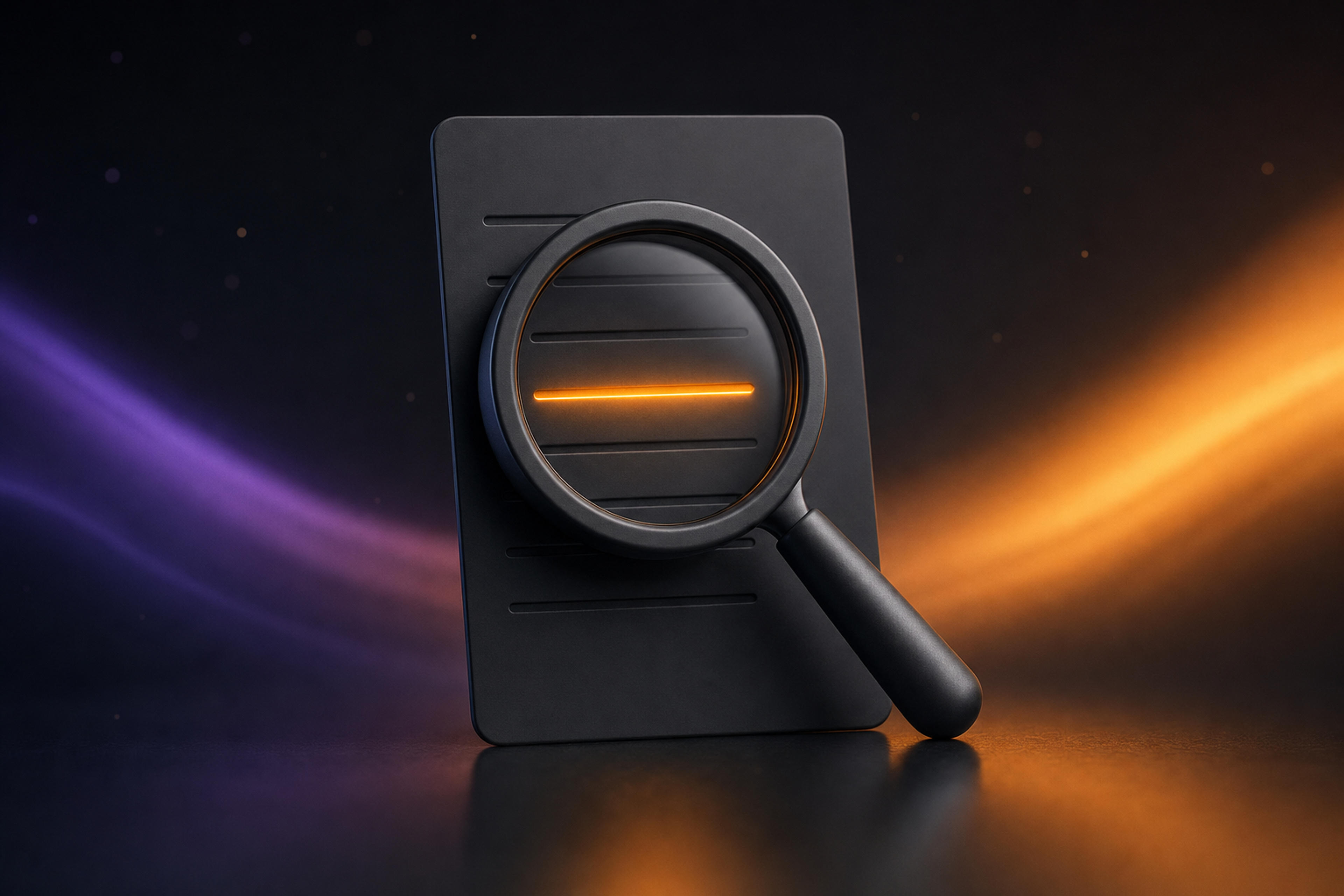
v4.1.0November 10, 2026
Search Inside a Note, Default Templates & a New Sign-in
Search inside a note
Press ⌘F on your Mac, or tap the magnifier on your iPhone, to search the summary, action items, transcript, your notes and the meeting's prep at once. Results are grouped by tab; open one to jump to it, highlighted. Transcript matches show the time and speaker.
Your default template
Make any of your templates the default for new recordings, on Mac, iPhone and the web. On the Mac, click the star on a template; click it again to remove the default.
Summaries for the whole meeting
- Spellar now waits for the end of the meeting before writing the summary, so the last minutes are included.
- Chinese, Japanese and Thai meetings now get a summary.
- Summary titles follow the language you chose, including with a template.
- When a recording has no transcript, Spellar tells you why.
Speaker names and sign-in on the Mac
- In a Zoom, Slack or Teams call, Spellar offers to turn on real speaker names.
- A new sign-in screen, in light and dark. If your default browser isn't Safari, sign-in opens in a regular browser tab.
Exports
- Confluence export now creates a page, so it works in spaces without a blog.
- A retried Google Docs export writes into the same document instead of leaving empty ones behind.
- On iPhone, export tells you when the summary isn't ready yet.
On the web and in the Chrome extension
- Signing up on the web, the apps step suggests what records on your device: the Chrome extension on Windows and Linux, the Mac app on a Mac, the iPhone app on iPhone.
- The extension's sharing tips match Chrome's current share dialog.
- A recording that fails to start cleans up its empty note and never touches your previous recording.
Under the hood
- A recording started without internet waits for the connection instead of being lost.
- Stopping a recording no longer freezes the app on Mac or iPhone.
- Fresh brand colours across the apps.
Try the latest version of Spellar
Bot-free meeting notes powered by the best AI models. Download Spellar and experience every update firsthand.