
← Back to Updates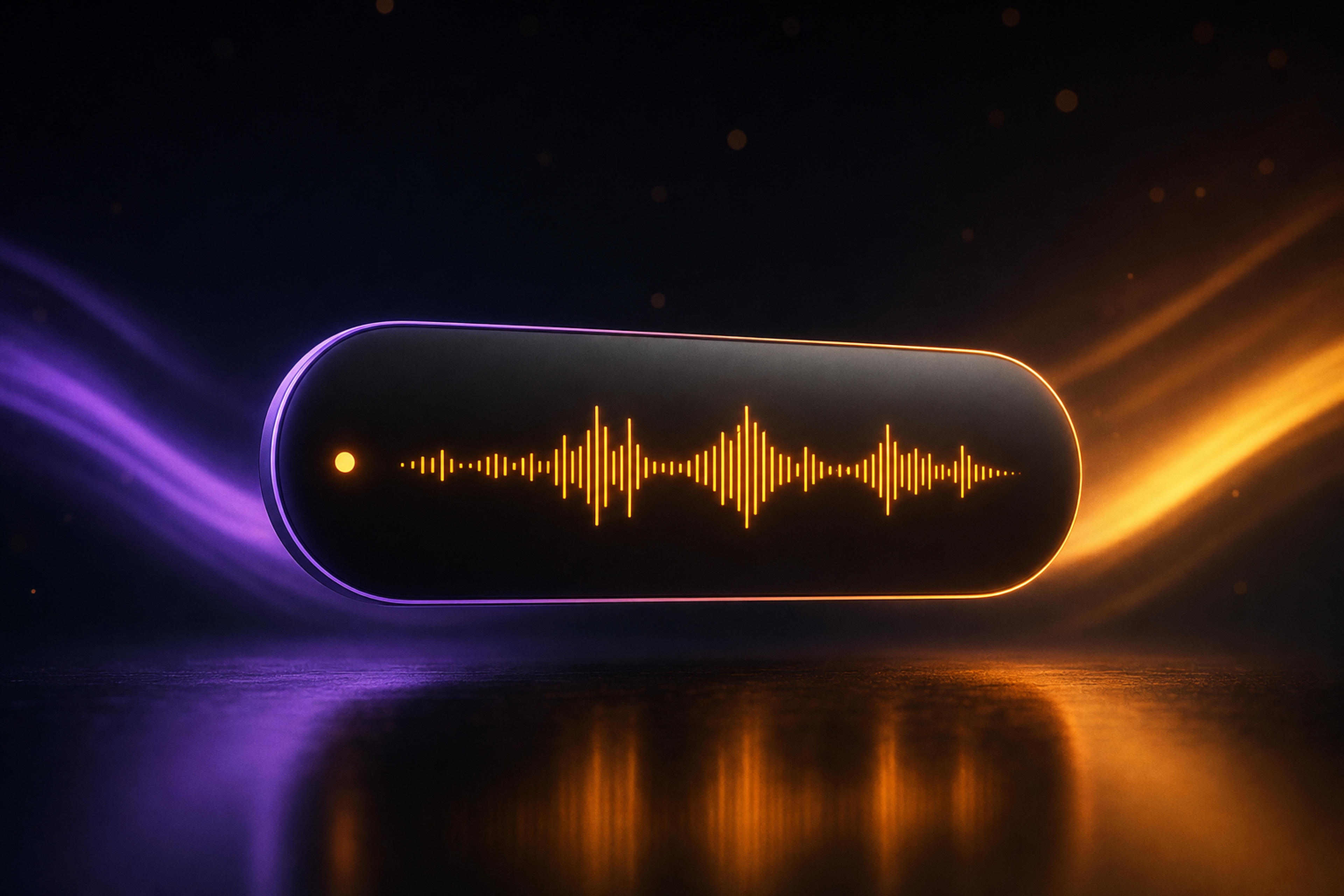
vv-4.0.0October 25, 2026
Copilot in the Notch, Real Speaker Names & Notes in Slack
Copilot in the notch
On the Mac, the copilot now lives in a small island at the top of your screen: the timer, a live audio wave, Ask AI, your notes and your prep. It stays out of the way while you talk and opens into a full panel when you need it. On a Mac without a notch it tucks into a small handle. Prefer the floating window? Switch back in Settings → General → Appearance.
Real speaker names
- Zoom, Slack and Teams (Mac): with Accessibility permission, Spellar reads who is talking from the meeting app, so the transcript shows real names instead of "Speaker 1". If names can't be read, it tells you why.
- "Is this Jane?": when Spellar can't tell who a voice is, it suggests people from the meeting invite. Voices nobody has named yet read "Unknown participant 1".
Notes where your team works
- Post to Slack: send a summary to a Slack channel from your Mac, iPhone or the web. Connect Slack in Settings → Connectors.
- Who gets the notes: after a call, send them to nobody, colleagues only, or everyone on the invite.
On the web and in the Chrome extension
- Connect several Google and Outlook calendar accounts, and choose which calendars show.
- Send a note to the call's participants from Share.
- Connect Claude, ChatGPT and other AI assistants to your meetings in Settings → AI assistants.
- In Google Meet, the Chrome extension names speakers more reliably, and a recording stopped offline finishes once you're back online.
300 free minutes
New accounts get 300 minutes of transcription and AI, no card needed. The minutes left show in the sidebar and above your notes.
Under the hood
- Echo cancellation when you record on speakers, with a one-time headphones hint.
- Long recordings upload their full audio, and a recording keeps going when you switch or unplug a microphone.
- Transcription no longer drops quiet but real speech.
- Connectors tell you why an app needs reconnecting.
Try the latest version of Spellar
Bot-free meeting notes powered by the best AI models. Download Spellar and experience every update firsthand.