
← Back to Updates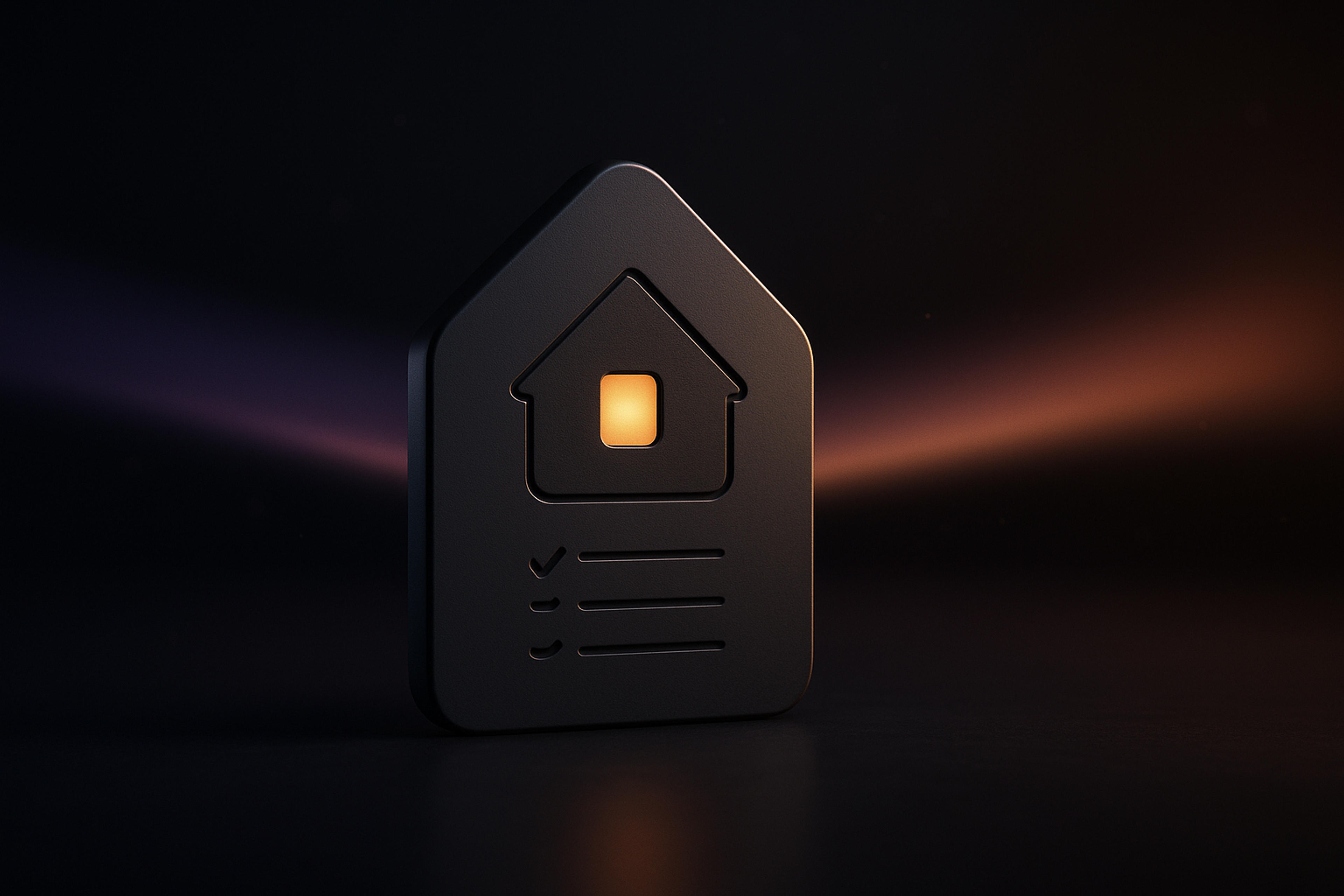
vv-3.5.0September 13, 2026
Home, Auto-Stop Recording & a Calendar That Remembers
Home
Spellar now opens on Home: today's meetings, the action items still open from the last two weeks, your recent notes, and an ask bar that opens a chat in place. New accounts get a setup checklist that ticks itself off as you connect a calendar, make a first recording, or add an export. On Mac and iPhone.
Auto-stop recording
Turn it on in Settings → Recording and Spellar notices when your meeting ends, counts down for 20 seconds, and stops — with a system notification you can tap to keep recording. You also get a two-minute heads-up before a recording reaches its maximum length.
A calendar that remembers
- Scroll back through the last 90 days of meetings.
- See the recording made for any past meeting — and every take, if there were several.
- Recurring series show what was discussed last time and which action items are still open.
- Auto-record per meeting or per series — skip just this one stand-up, or the whole series.
- Redesigned event details with attendees, description, location and RSVP; an info rail with the next meeting and today's readiness; a floating Today button in every view.
Read notes like a document
- Cleaner summary typography, a topics outline down the side, and headline figures beside each topic.
- Every action item collected at the foot of the summary, with working checkboxes.
- AI Chat is a floating dock — ask about the note you're reading without leaving it (⌘K). Chat history search now covers what was said, not just titles.
- List, Cards and Timeline views for notes, folders, templates, recaps, calendar and chats, with a day digest beside the timeline.
Also new
- Redesigned chat, Copilot header, template editor and event details.
- New onboarding film on Mac; a welcome checklist and product tips on iPhone.
- iPhone: record button in the tab bar, bulk move and delete, topic chips and action roll-up on summaries, calendar history.
- Eight refined colour palettes, new toasts with error details, and imports that keep running in the background.
- Polish everywhere — Prepare Notes in a rail beside your notes, bulk delete for folders, subtle icon animations, and empty states that no longer claim you have no notes while they load.
Fixes
- Closing the lid stops the recording cleanly; interrupted uploads resume on wake.
- Plugging in headphones mid-recording no longer silences the rest.
- A recording that goes silent is detected and stopped instead of running for hours.
- Zoom and other native calls are detected reliably again; weekly meetings get a reminder every week.
- Fixed a gap where parts of some long meetings were never transcribed.
- "Not enough content" summaries can be retried; failed exports and reanalyses now say so.
- Free integrations no longer show a Pro paywall on Mac; the web app explains plan-related skips with the right next step for your plan.
- Calendar edits made elsewhere show up without a restart, and a declined meeting no longer auto-records.
- Spellar interrupts less — one prompt at a time, never during a recording.
- Much smoother scrolling and far fewer hangs.
Try the latest version of Spellar
Bot-free meeting notes powered by the best AI models. Download Spellar and experience every update firsthand.