
New Design System & Rebuilt Apps
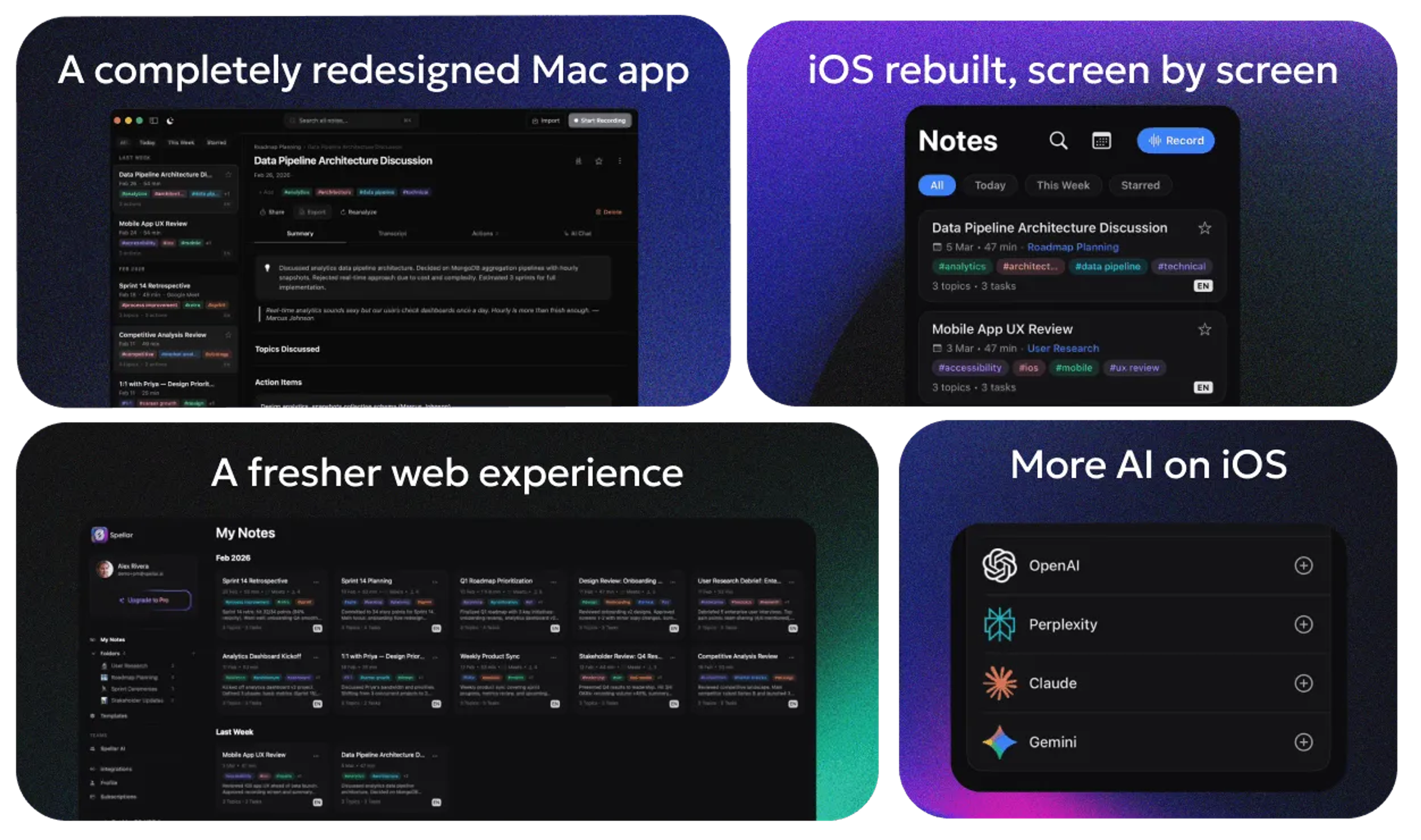
Spellar 3.0: New Design System & Rebuilt Apps
Our biggest release ever — every app rebuilt, a design system you can make your own, and AI that works even when you're offline.
Redesigned macOS
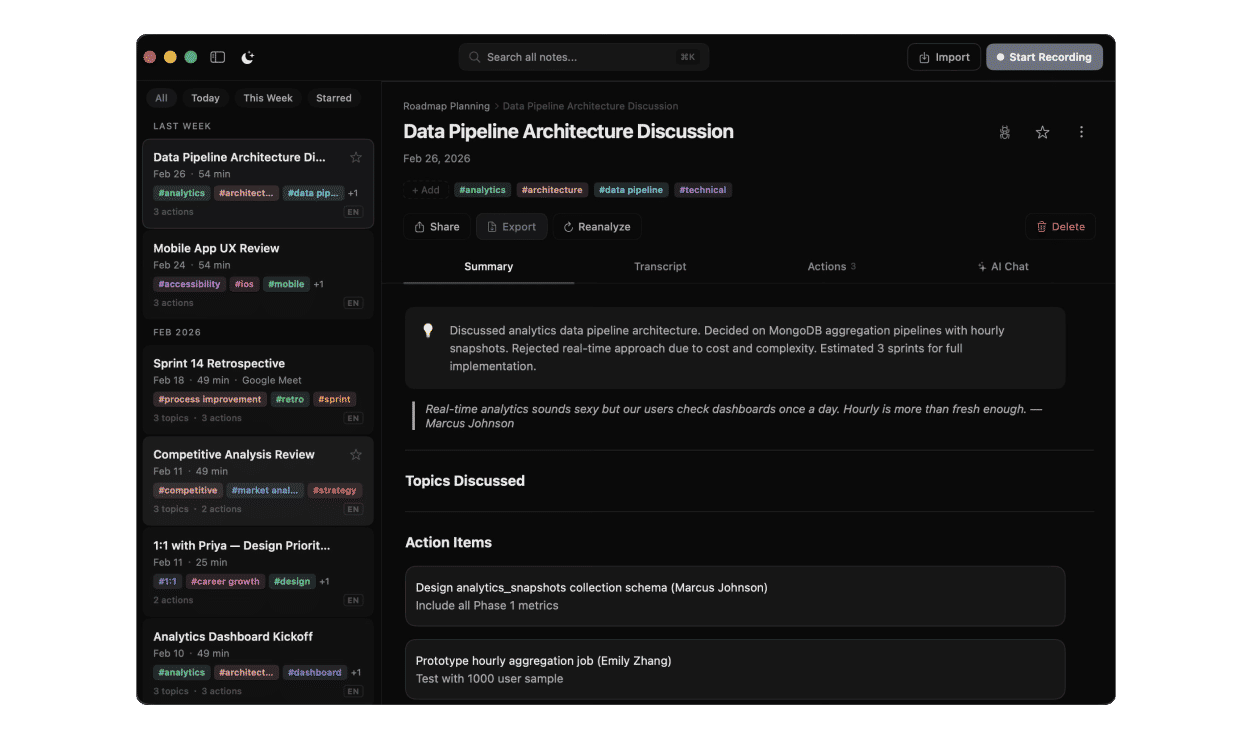
A new 3-pane layout with collapsible sidebar, redesigned detail panels, and a cinematic login experience.
- 3-Pane Layout — Collapsible sidebar, redesigned detail panels, and polished settings
- Cinematic Login — Physics-based logo assembly animation on the login screen
- Offline Indicator — Smart sidebar indicator with toast notifications
Redesigned iOS
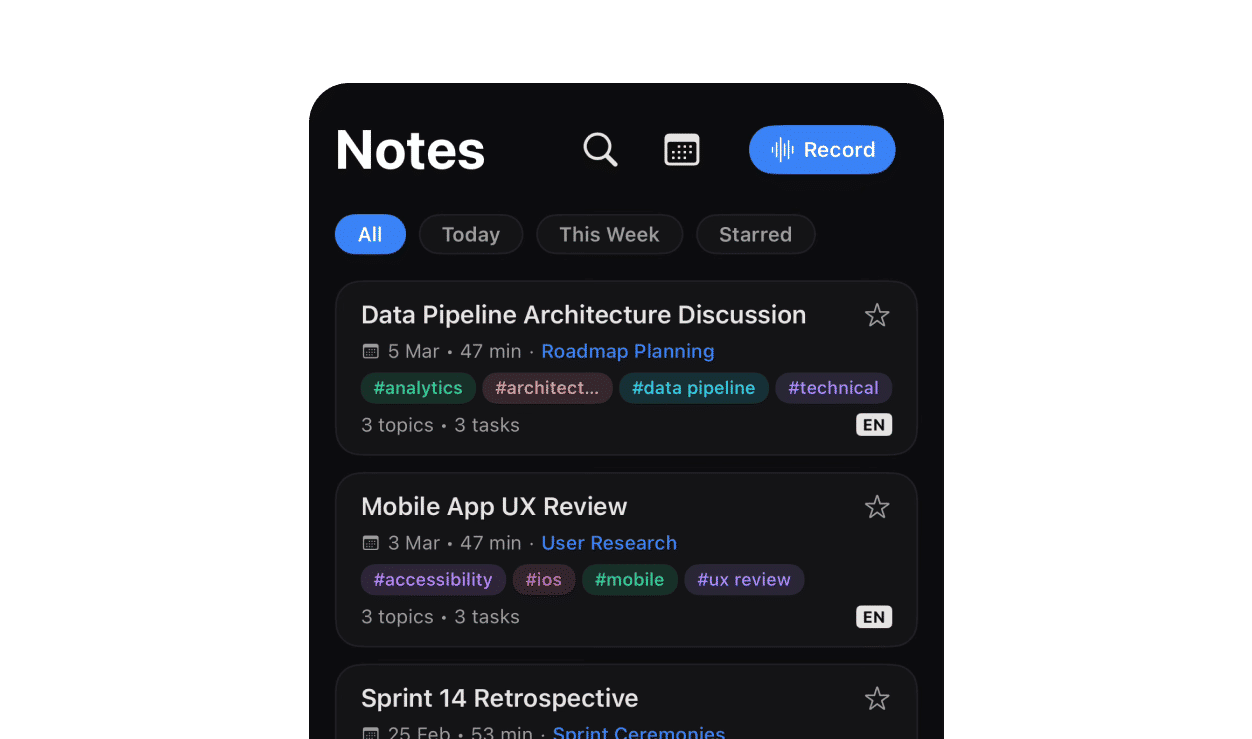
Everything rebuilt from scratch — onboarding, notes, recordings, templates, folders, settings, and the theme system.
- Rebuilt from Scratch — Every screen redesigned: notes, recordings, templates, settings
- AI Model Connections — Connect Perplexity, Claude, and Gemini directly from iOS
- Recap DetailView — Full recaps with summary, recordings, and actions tabs on mobile
Your Notes Work Offline
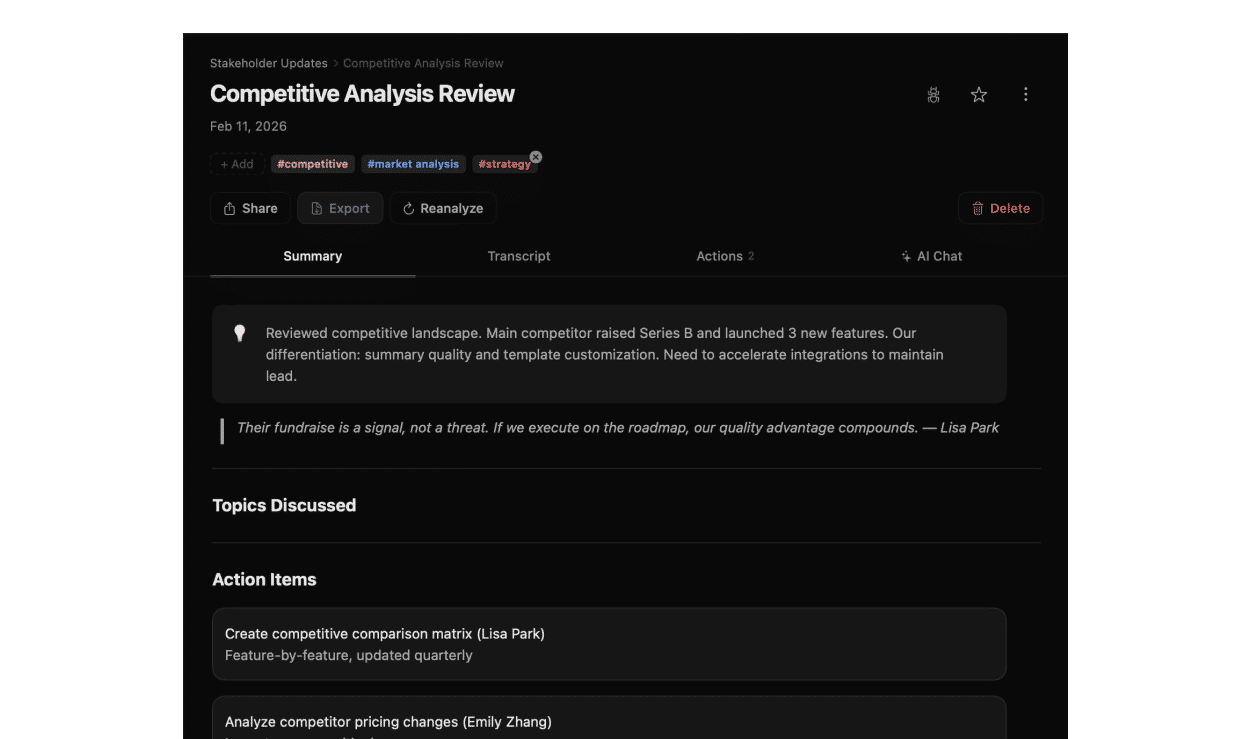
Notes and recordings now load instantly on app start — no connection required.
- Instant Loading — Notes and recordings appear immediately on launch
- Recording Detail Cache — Note content shows right away when opening a recording
- Cache Management — View and clear cache size in Settings → General
Connect Your Favorite AI Models
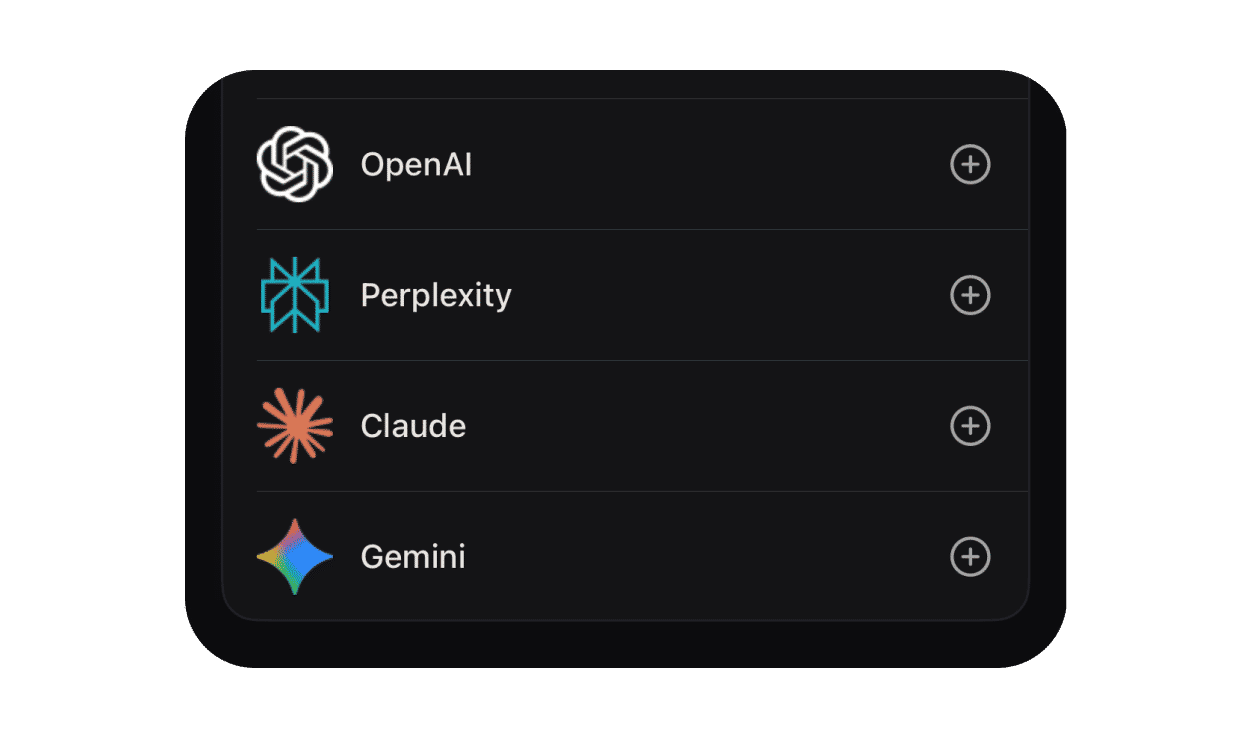
Add your own API keys for Perplexity, Claude, and Gemini — or rely on Spellar's built-in models for everything.
Design System & Typography
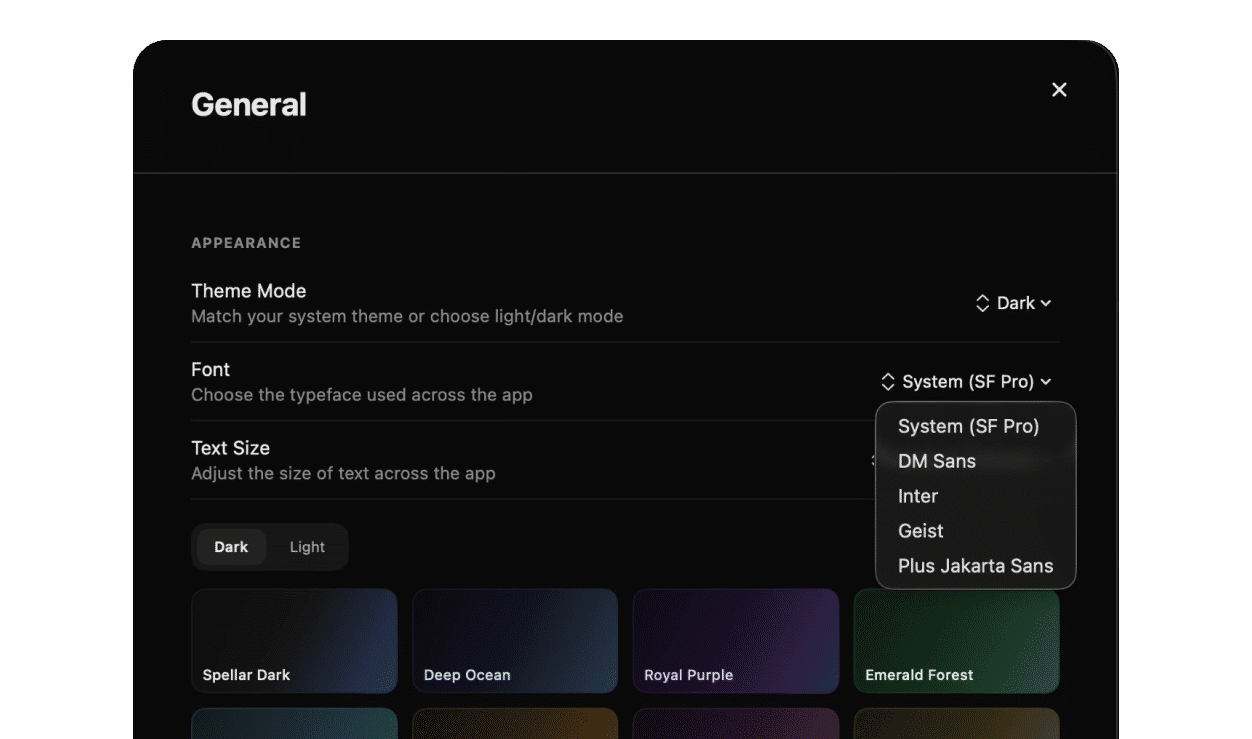
A fully customizable design system — choose your font, size, and color palette.
- Typography — Choose from Inter, Geist, or Plus Jakarta Sans font families
- Font Sizing — Small, Medium, or Large
- Color Palettes — Refined palette system with proper light and dark defaults
Interactive Walkthroughs
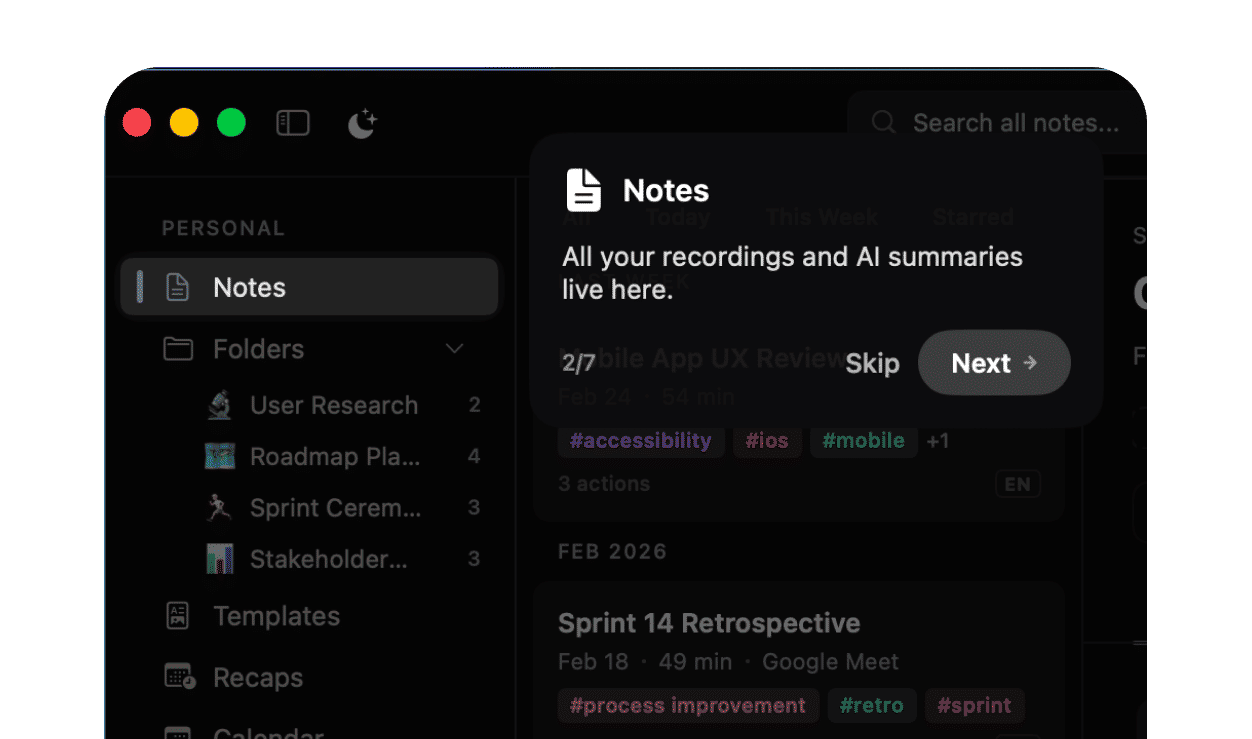
Step-by-step guided tours that highlight exactly where to click — in 17 languages.
- Spotlight Anchors — Context-sensitive walkthroughs trigger based on what you're doing
- 4 Walkthrough Blocks — Getting Started, Event Detail, and more
- 17 Languages — Every walkthrough fully localized
Redesigned Web App
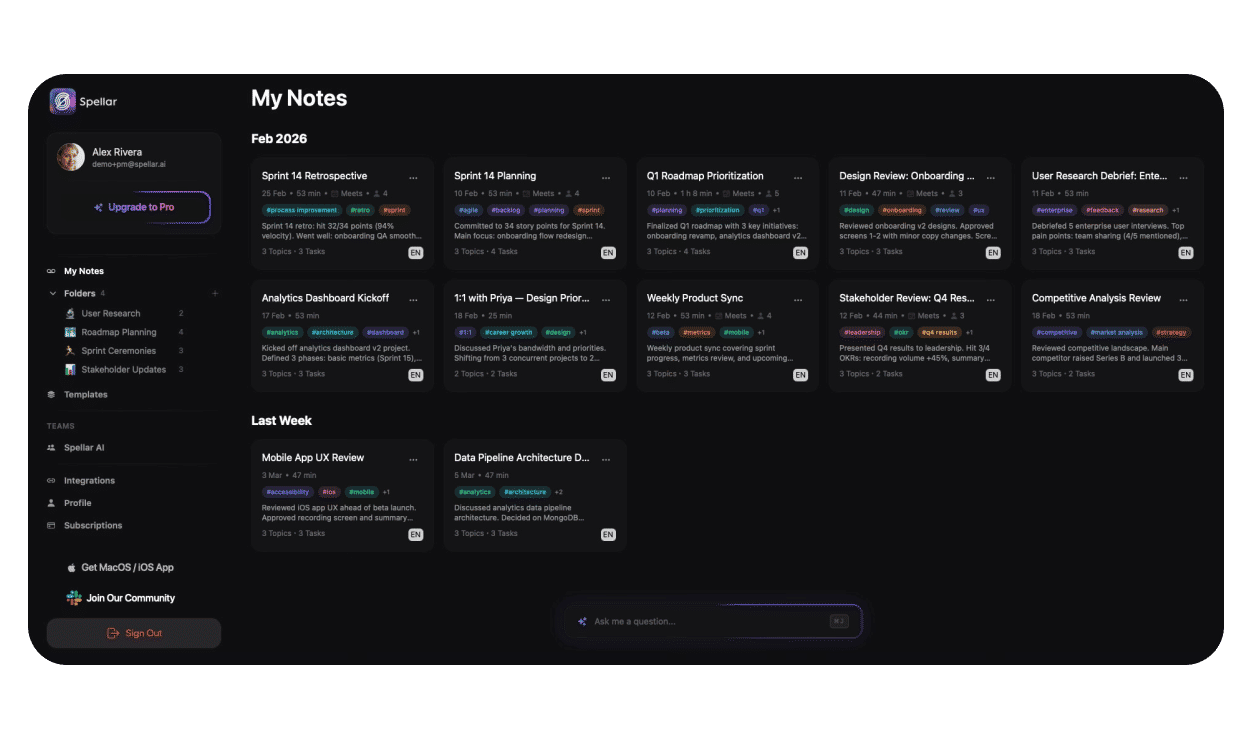
Color token system, polished cards, and improved hover effects — matching the macOS palette colors.
Stability & Performance
Fixed 30+ bugs across scroll hangs, theme artifacts, mic permissions, export gating, and Sentry crashes. Localized 200+ new strings across 17 languages. Requires macOS 14.6+ / iOS 17+.
Try the latest version of Spellar
Bot-free meeting notes powered by the best AI models. Download Spellar and experience every update firsthand.